
Home Wi-Fi & coverage
Fix dead zones and dropouts so streaming, gaming, and work calls hold up in every room.
- Coverage review and access point placement
- UniFi systems, new or existing
- Ethernet runs where wireless isn't enough
Home network security & digital safety
Better Wi-Fi, safer family internet, and a network you actually understand. FamilyFirewall designs and sets up home and small-office networks around how your household really uses them, then shows you how to manage it.
Sound familiar?
The Wi-Fi is strong in one room but weak everywhere else.
We look at your coverage, equipment, and layout to find a practical way to improve the connection throughout the house.
I want safer internet access for my kids.
We set up age-appropriate filtering, bedtime schedules, and separate networks where they make sense for your household.
My printer or camera keeps going offline.
We troubleshoot how the device connects and make the setup more reliable.
I need to reach my files while I'm away.
We talk through secure remote access and storage options that fit what you actually need to reach.
Our small business network has become hard to manage.
We review the current setup and recommend improvements for reliability, access, and security.
Services
Every job starts with your home and your goals. Most projects combine a few of these.
Fix dead zones and dropouts so streaming, gaming, and work calls hold up in every room.
Content filtering and screen-time rules enforced by the network, not just one app on one device.
Kids, parents, guests, and smart devices each get their own network, so a cheap camera or a guest's phone can't reach your computers.
Reliable, secure networks for small businesses, set up so you can focus on the work instead of the equipment.
Reach your home network, files, and cameras from anywhere without leaving anything exposed to the internet.
Keep your photos and files at home, backed up, and under your control, with no cloud subscription required.
Optional ongoing care is available after setup for updates, changes, and questions.
An example setup
This is the kind of plan you get before any work starts: each network, who's on it, and what it's allowed to do. If both kids need the same rules, one Kids network is simpler. If their ages and schedules differ, they each get their own.
| Network | Who's on it | Rules |
|---|---|---|
| Trusted | Parents' phones, computers | Full internet. Only network that can manage the system. |
| Kids – age 9 | Older child's tablet and laptop | Filtered internet, school-night schedule, no access to other networks. |
| Kids – age 6 | Younger child's tablet | Stricter filtering and earlier cutoff, no access to other networks. |
| Guest | Visitors | Internet only. Can't see anything in the house. |
| Smart home | Thermostat, doorbell camera | Internet only. Blocked from Trusted and Kids. |
Before changes are made, the existing setup is documented and backed up so it can be restored if needed.
How it works
Describe the problem or project through the form or by email. You don't need to know the technical terms.
We ask a few questions and look at the devices, network, or service involved so we understand the current situation.
We explain the options, any equipment that may be needed, and the proposed work before making changes.
Once you agree on the work, we complete the setup and show you how to use and manage it.
Pricing
No two households have the same layout, equipment, or goals, so there are no one-size packages. After we talk through what you need, you get a written quote for your project before any work begins.
About
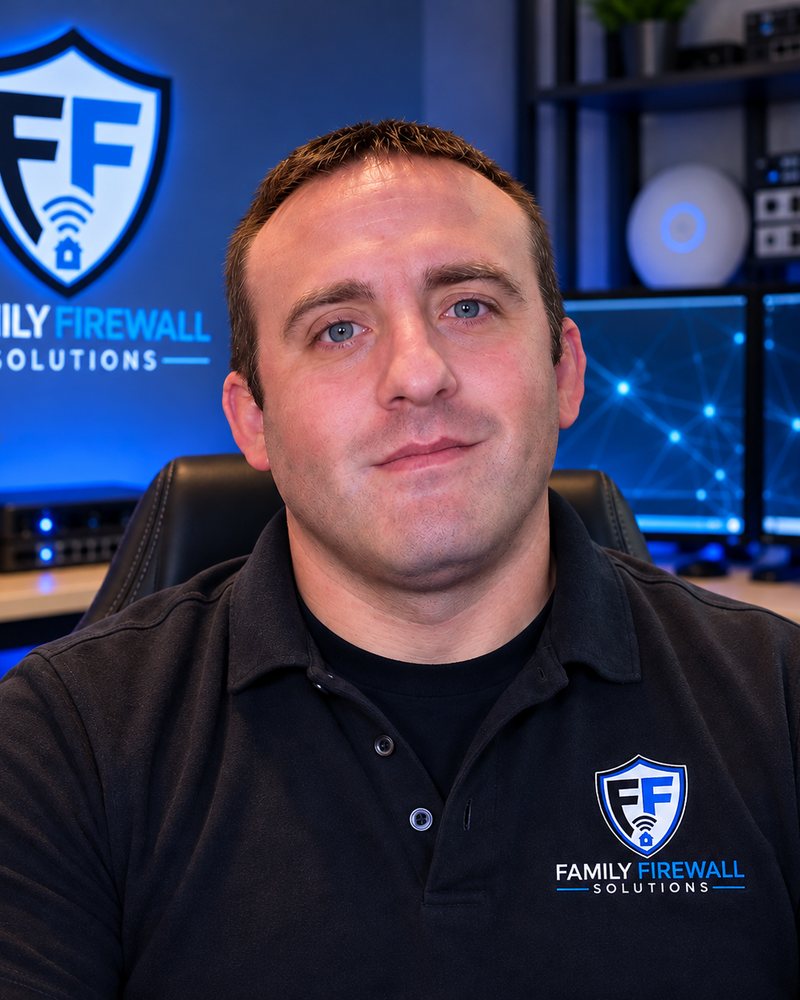
I'm William Deering, owner of FamilyFirewall Network Solutions and an IT Support Specialist. Before IT, I worked as a commercial HVAC technician, so I'm used to showing up on site, figuring out what's actually wrong, and leaving things working.
I started this business to help people feel more confident about the technology they rely on every day. I work with families and small businesses to troubleshoot problems, improve their networks, and set up practical tools that are easier to manage.
You can tell me what's happening in your own words. I'll look at the setup, explain what I find, and walk through the options with you.
I also make IT and home-lab videos as Will Builds IT on YouTube and TikTok.
William DeeringOWNER
FAQ
Not always. We start with what you already have and only recommend new equipment when it will make a real difference. Any equipment is listed separately in your quote.
You enter your own passwords whenever possible, and we never write them down in our notes or paperwork. When the job is done, you get a summary of your network names and settings, without passwords.
No filter is perfect, and anyone who promises otherwise isn't being straight with you. Network-level filtering, schedules, and separate kids' networks make a big difference, and they work best alongside the controls on each device and conversations at home.
You do. Every account is set up in your name, and all hardware belongs to you.
Your current settings are backed up before any changes. If a change causes a problem we can't resolve on the spot, we restore the backup so your home is back to how it was.
Yes. Optional ongoing care covers updates, changes to your rules, and questions as your family's needs change.
Contact
Having trouble with Wi-Fi, setting up a new device, or planning a safer network for your family or business? Send a few details and we'll follow up to discuss the next step.